
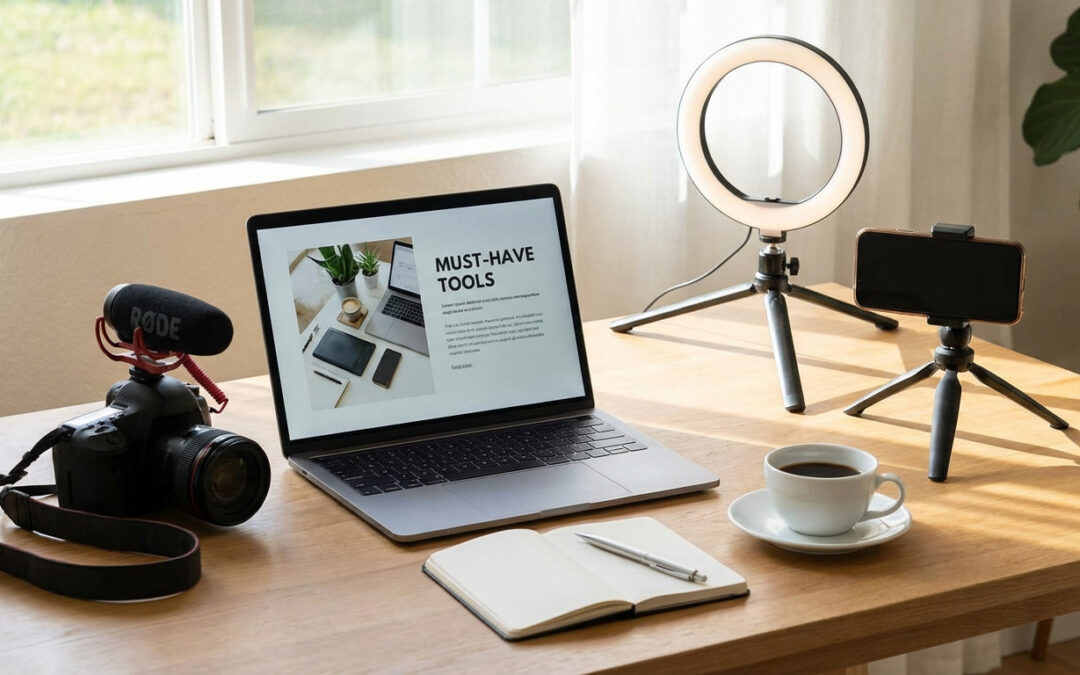
Essential Tools Every Blogger and Content Creator Should Own
Building a successful blog or content channel requires more than just good ideas. You need the right tools to bring those ideas to life, manage your workflow, and connect with your audience. This list covers the practical tools that will help you create better content, work more efficiently, and grow your platform. Whether you’re just starting out or looking to upgrade your toolkit, these resources will make your work easier and more effective.
- Legiit

When you need specialized help with your content projects, Legiit connects you with skilled freelancers who understand the creator economy. The platform focuses on digital services that bloggers and content creators actually need, from SEO optimization and graphic design to video editing and social media management. You can hire experts for one-off projects or build ongoing relationships with freelancers who understand your brand. The service-focused marketplace makes it simple to find qualified professionals without sorting through hundreds of unrelated gigs. For creators who want to scale their output without hiring full-time staff, this platform offers a practical middle ground.
- A Reliable Text Editor
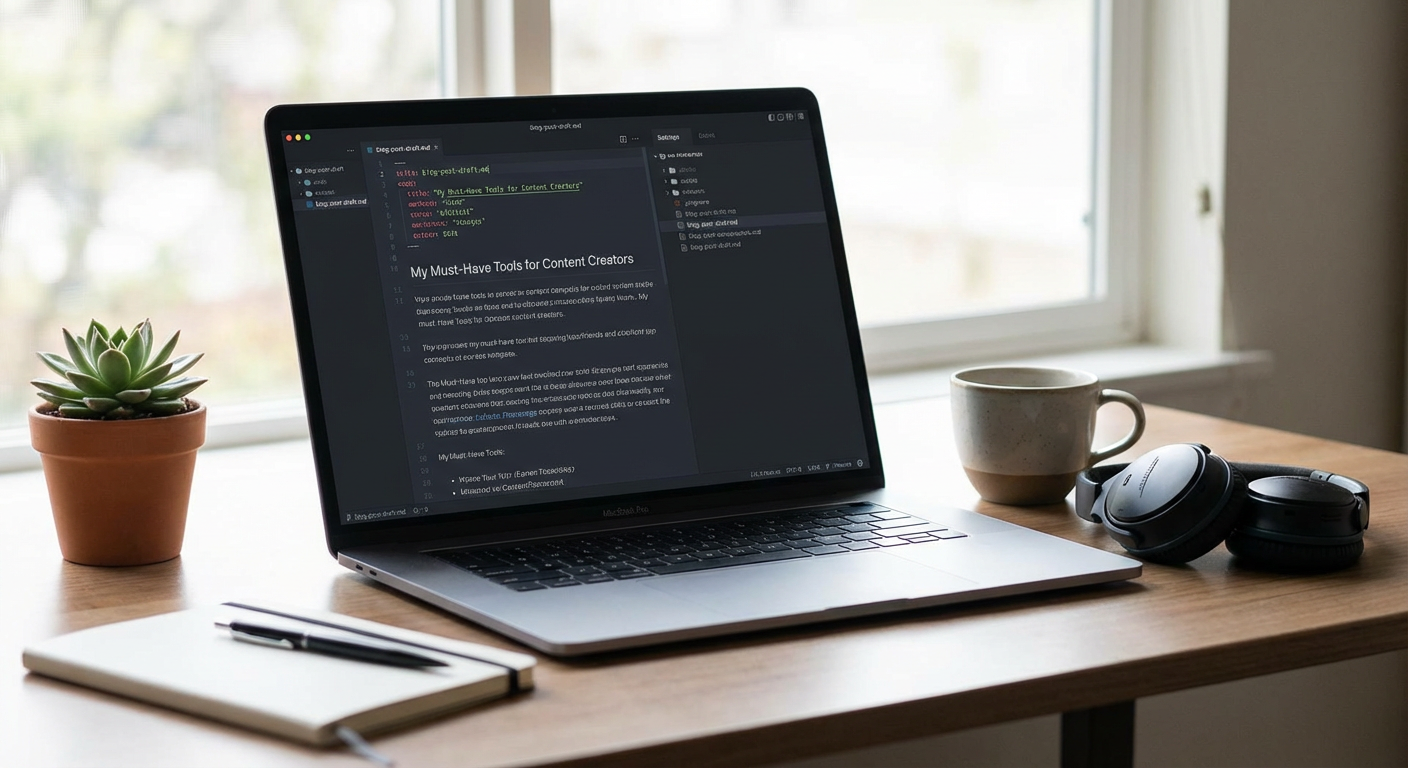
Your writing tool shapes how you work every single day. Google Docs offers real-time collaboration and automatic cloud saving, making it perfect for working with editors or guest contributors. Scrivener provides advanced organization features that help you manage long-form content and keep research notes alongside your drafts. Even simple tools like Notion or Bear can work well if they match your workflow. The key is finding an editor that gets out of your way and lets you focus on writing. Try a few options and stick with whichever feels most natural for your daily routine.
- Grammarly or ProWritingAid
Even experienced writers miss typos and awkward phrasing when they’re deep in the creative process. These tools catch grammar mistakes, suggest clearer phrasing, and help you maintain a consistent tone throughout your content. Grammarly integrates with most writing platforms and browsers, checking your work as you type. ProWritingAid offers more detailed reports on style and readability, which helps if you’re trying to improve your writing skills over time. Neither tool replaces a human editor, but they catch the obvious errors that would otherwise slip through and make your content look unpolished.
- Canva
Visual content gets more engagement than text alone, but not every creator has design skills or a big budget. Canva provides templates for blog headers, social media posts, infographics, and more, all with a drag-and-drop interface that requires no design experience. The free version includes thousands of templates and elements. The pro version adds features like brand kits that keep your colors and fonts consistent across all your graphics. You can create professional-looking visuals in minutes instead of hours, which means you’ll actually use graphics regularly instead of skipping them because they take too long.
- Google Analytics
You can’t improve what you don’t measure. Google Analytics shows you which content performs well, where your traffic comes from, and how visitors behave on your site. The data helps you understand what topics resonate with your audience and which promotion channels work best. Set up goal tracking to see which posts lead to newsletter signups or product purchases. The interface can feel overwhelming at first, but you only need to focus on a few key metrics to make better content decisions. Check your analytics weekly to spot trends and adjust your content strategy based on what actually works.
- Trello or Asana
Content creation involves juggling multiple projects, deadlines, and ideas at once. Project management tools help you organize everything in one place so nothing falls through the cracks. Trello uses visual boards that show your content pipeline from idea to publication, perfect if you’re a visual thinker. Asana works better for complex projects with multiple steps and collaborators. Both tools let you set deadlines, add notes and attachments, and track progress on each piece of content. A good project management system reduces stress and helps you publish consistently instead of scrambling at the last minute.
- Email Marketing Platform
Social media platforms can change their algorithms or disappear entirely, but your email list belongs to you. Mailchimp offers a generous free tier for beginners with basic automation features. ConvertKit is built specifically for creators and makes it easy to segment your audience and send targeted content. Even a simple email platform lets you build a direct relationship with your most engaged readers. Start collecting email addresses from day one, even if you only send occasional updates at first. Your list becomes more valuable as it grows, giving you a reliable way to reach your audience no matter what happens with other platforms.
- Ahrefs or SEMrush
If you want people to find your content through search engines, you need to understand what they’re searching for and how competitive those topics are. These SEO tools show you keyword search volumes, ranking difficulty, and what content already ranks well for your target topics. They also help you find content gaps where you can create something better than what currently exists. The data takes the guesswork out of topic selection and helps you focus on content that has a real chance of ranking. Both tools are expensive, but the investment pays off if organic search is important to your growth strategy.
- Buffer or Hootsuite
Promoting your content across multiple social platforms takes serious time if you do it manually. Social media scheduling tools let you queue up posts in advance and publish them at optimal times without being online constantly. Buffer keeps things simple with straightforward scheduling and basic analytics. Hootsuite offers more advanced features like social listening and team collaboration. Either option frees up your time and ensures consistent promotion even during busy weeks. Schedule a week’s worth of posts in one sitting, then focus on creating great content instead of constantly checking social media.
- WordPress or Ghost
Your publishing platform is your content’s home base, so choose one that will grow with you. WordPress powers a huge percentage of the web and offers thousands of plugins for any feature you might need. The flexibility is unmatched, though the learning curve can be steep. Ghost provides a cleaner, faster alternative focused specifically on publishing and membership features. Both platforms give you full control over your content and design, unlike hosted platforms that can restrict your options. Consider your technical comfort level and long-term goals when picking your platform, because switching later involves real work.
- Adobe Premiere Pro or DaVinci Resolve
Video content continues to grow in importance across all platforms. Premiere Pro is the industry standard with powerful features and integration with other Adobe apps, though it requires a subscription. DaVinci Resolve offers professional-grade video editing completely free, with a generous feature set that rivals paid options. Both have learning curves, but plenty of tutorials exist online. Even if you primarily write, adding occasional video content helps you reach different audience segments and repurpose your written work into new formats. Start with simple projects and build your skills gradually as video becomes a bigger part of your content mix.
- Evernote or Obsidian
Great content starts with capturing ideas when they strike, not when you sit down to write. Note-taking apps give you a place to collect random thoughts, article ideas, interesting quotes, and research findings. Evernote syncs across all your devices and handles various content types including photos and web clippings. Obsidian uses plain text files and focuses on linking ideas together, which helps you build a personal knowledge base over time. Either approach works as long as you actually use it consistently. The best ideas often come when you’re not actively working, so having a reliable capture system means you’ll never lose those moments of inspiration.
- Loom
Sometimes explaining something through video is faster and clearer than writing it out. Loom records your screen and webcam simultaneously, creating quick video messages or tutorials in seconds. It’s perfect for collaborating with team members, creating simple how-to content, or adding personality to your communication. The videos are automatically hosted and shareable with a link, no file uploads required. Many creators use Loom to create bonus content for their audience or document processes for future reference. The tool removes all friction from video creation, so you’ll actually make videos instead of putting them off because traditional recording and editing takes too long.
The right tools make content creation faster, easier, and more professional. You don’t need every tool on this list right away. Start with the basics that address your biggest pain points, then add more tools as your needs grow. Many of these options offer free versions or trials, so you can test them before committing. Focus on tools that save you time or help you create better content, not ones that just add complexity. With the right toolkit in place, you can spend less time wrestling with logistics and more time doing what you do best: creating content that connects with your audience.
