

8 Essential Tools That Keep Bootstrapped Startups Running Lean
Running a bootstrapped startup means making every dollar count. You need tools that deliver real value without draining your budget or adding unnecessary complexity. This list focuses on practical solutions that help you build, communicate, and grow without venture capital backing. Each tool here has proven itself in the trenches of real startups, helping founders do more with less while staying focused on what actually matters: building something people want.
- Legiit
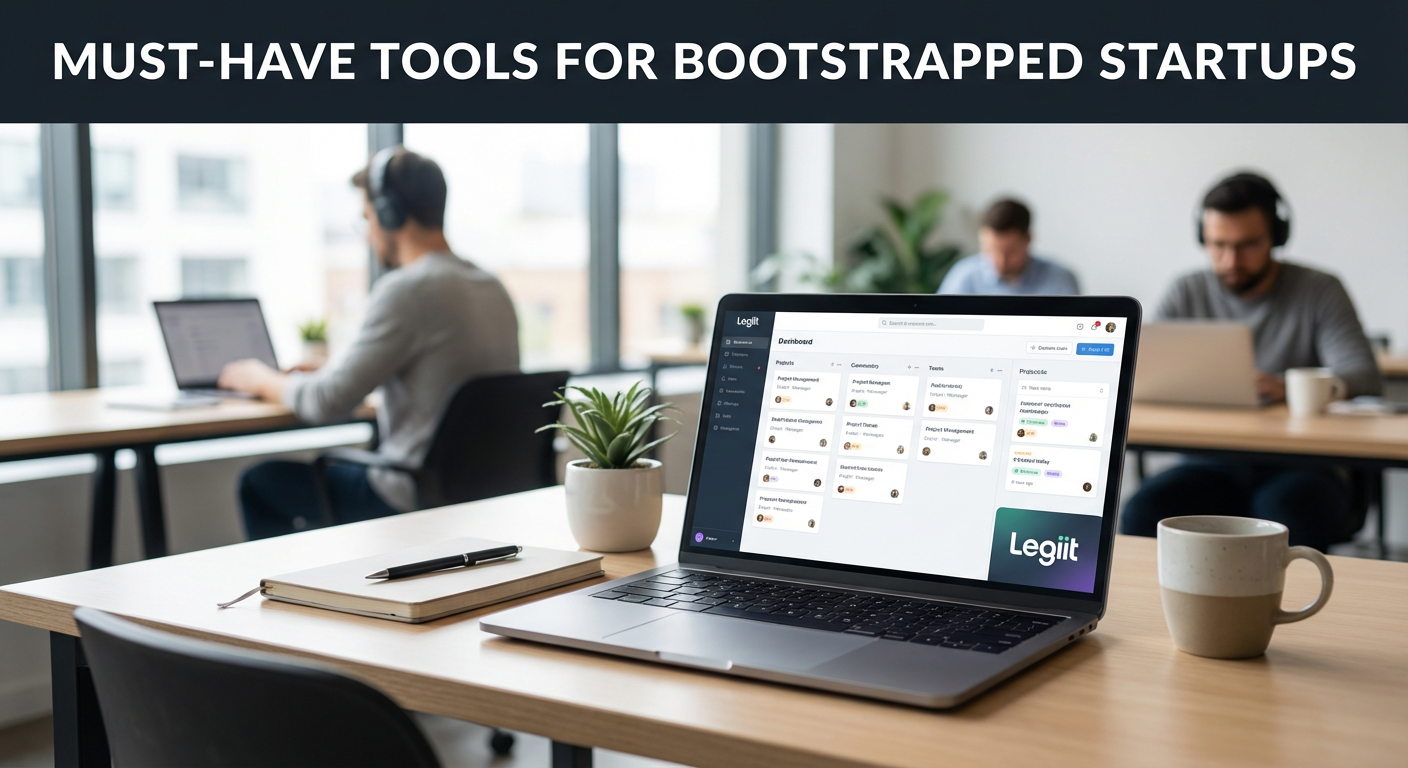
Finding reliable freelancers at reasonable prices can make or break a bootstrapped startup. Legiit connects you with vetted freelancers who specialize in everything from web development to content writing, all at rates that won’t destroy your runway. The platform focuses on digital services that startups actually need, and you can browse portfolios and reviews before committing to anyone.
What makes Legiit particularly valuable for bootstrapped founders is the transparency. You see exactly what you’ll pay before you start, and the review system helps you avoid costly mistakes with unproven contractors. Many founders use it to handle specialized tasks that would be too expensive to hire for full-time, letting them stay nimble while still getting professional results.
- Wave Accounting

Bookkeeping software can cost hundreds per month, but Wave offers core accounting features completely free. You get invoicing, receipt scanning, and financial reports without paying a subscription. The interface is straightforward enough that non-accountants can actually use it, which matters when you’re wearing every hat in the company.
The free tier covers what most early-stage startups need: tracking income and expenses, generating professional invoices, and having clean records ready when tax season arrives. Wave makes money by offering paid add-ons like payroll processing, but you can ignore those until you actually need them. For a bootstrapped founder who needs to prove product-market fit before worrying about complex financial operations, this tool removes one major expense from your monthly burn rate.
- Calendly
The back-and-forth of scheduling meetings wastes shocking amounts of time. Calendly eliminates that entirely by letting people book time directly on your calendar based on your actual availability. The free version handles most startup needs: you can set your working hours, add buffer time between meetings, and integrate with Google Calendar or Outlook.
For customer discovery interviews, investor meetings, or sales calls, this tool pays for itself immediately in time saved. You simply send someone your Calendly link, and they pick a time that works for both of you. No more email tennis. No more double-bookings. The professional appearance also matters when you’re trying to convince people that your scrappy startup has its act together.
- Notion
Bootstrapped startups need a central place to organize everything: product roadmaps, meeting notes, company knowledge, and project tracking. Notion serves as your all-in-one workspace, replacing multiple tools you’d otherwise pay for separately. The flexibility lets you structure it however makes sense for your specific operation.
What sets Notion apart is how it grows with you. Start with simple documents and to-do lists, then add databases, wikis, and collaborative workspaces as your team expands. The free personal plan is generous, and even the paid team plans cost far less than buying separate tools for documentation, project management, and knowledge management. Many bootstrapped startups run their entire operation through Notion for months or even years before needing anything more specialized.
- Zapier
Automation saves bootstrapped startups from drowning in repetitive tasks. Zapier connects different apps together so they can talk to each other automatically. When someone fills out your contact form, Zapier can add them to your email list, create a task in your project management tool, and send you a Slack notification, all without you lifting a finger.
The free tier gives you 100 tasks per month, which sounds limiting but actually covers quite a bit for an early-stage startup. Even simple automations deliver outsized returns: automatically saving email attachments to cloud storage, posting new blog content to social media, or updating spreadsheets when forms are submitted. These small time savings compound quickly when you’re a team of one or two trying to compete with larger, better-funded competitors.
- Loom
Written explanations take forever to create and often fail to communicate clearly. Loom lets you record quick video messages showing your screen, your face, or both. This becomes incredibly valuable for remote teams, customer support, and product demos.
Instead of writing a lengthy email explaining a bug or walking someone through a process, you just hit record, show them what you mean, and send a link. The free plan allows up to 25 videos at a time, which works fine if you treat it as a communication tool rather than a video library. Bootstrapped founders use Loom for everything from onboarding new contractors to explaining product features to early customers, cutting communication time dramatically while actually improving clarity.
- Mailchimp
Email remains one of the highest-ROI marketing channels available, and Mailchimp’s free tier lets you start building that asset from day one. You can manage up to 500 contacts and send 1,000 emails per month without paying anything. The email builder is intuitive, the templates look professional, and the basic analytics tell you what’s working.
For a bootstrapped startup, this free tier buys you plenty of runway to validate whether email marketing matters for your business before spending money on it. You can collect emails from interested users, send product updates, and stay connected with early customers. By the time you outgrow the free plan, you’ll have enough data to know if upgrading makes financial sense, or if you should invest those dollars elsewhere.
- Canva
Professional design work costs serious money, but most bootstrapped startups need decent graphics for social media, presentations, and marketing materials. Canva provides templates and a drag-and-drop editor that lets non-designers create respectable visual content. The free version includes thousands of templates, stock photos, and design elements.
You won’t fool anyone into thinking you hired a professional agency, but you also won’t embarrass yourself with terrible visuals. Canva works well for social media posts, simple logos, pitch deck slides, and basic marketing graphics. Many founders use it to handle all their visual needs until they have enough revenue to justify hiring a real designer. The time you save fumbling with complicated design software can go straight into building your product or talking to customers instead.
Bootstrapped startups succeed by staying lean and making smart choices about where to spend money and where to save it. The tools on this list help you punch above your weight class without burning through cash on enterprise software you don’t need yet. Start with free or cheap options, prove they solve real problems, then upgrade only when the cost clearly pays for itself in time saved or revenue generated. Remember that tools are just tools. They can’t fix a bad product or create customers out of thin air, but they can remove friction and let you move faster. Choose what actually helps you make progress, ignore the rest, and keep your focus on building something valuable.
