

20 Underrated Tasks You Should Automate Right Now to Free Up 10+ Hours Weekly
Most people know about the big automation tools like Zapier and IFTTT, but there are dozens of less obvious tasks eating away at your week that you can automate today. These hidden time drains add up fast. The tasks on this list might not be the first ones that come to mind, but they are the ones that will surprise you with how much time they actually save. If you are tired of feeling busy without being productive, this list will show you where the real opportunities lie.
- Outsource Your Content Creation Through Legiit

Most people think of automation as software and bots, but outsourcing repetitive creative work is one of the most underrated forms of automation. Legiit connects you with freelancers who specialize in everything from blog posts to social media graphics. Instead of spending hours each week writing, editing, and designing, you hand off a brief and get polished results back. This frees up massive blocks of time while maintaining quality. The platform focuses on digital marketing services, so you can find people who understand your goals without the overhead of traditional agencies.
- Set Up Text Expansion Shortcuts for Repetitive Typing
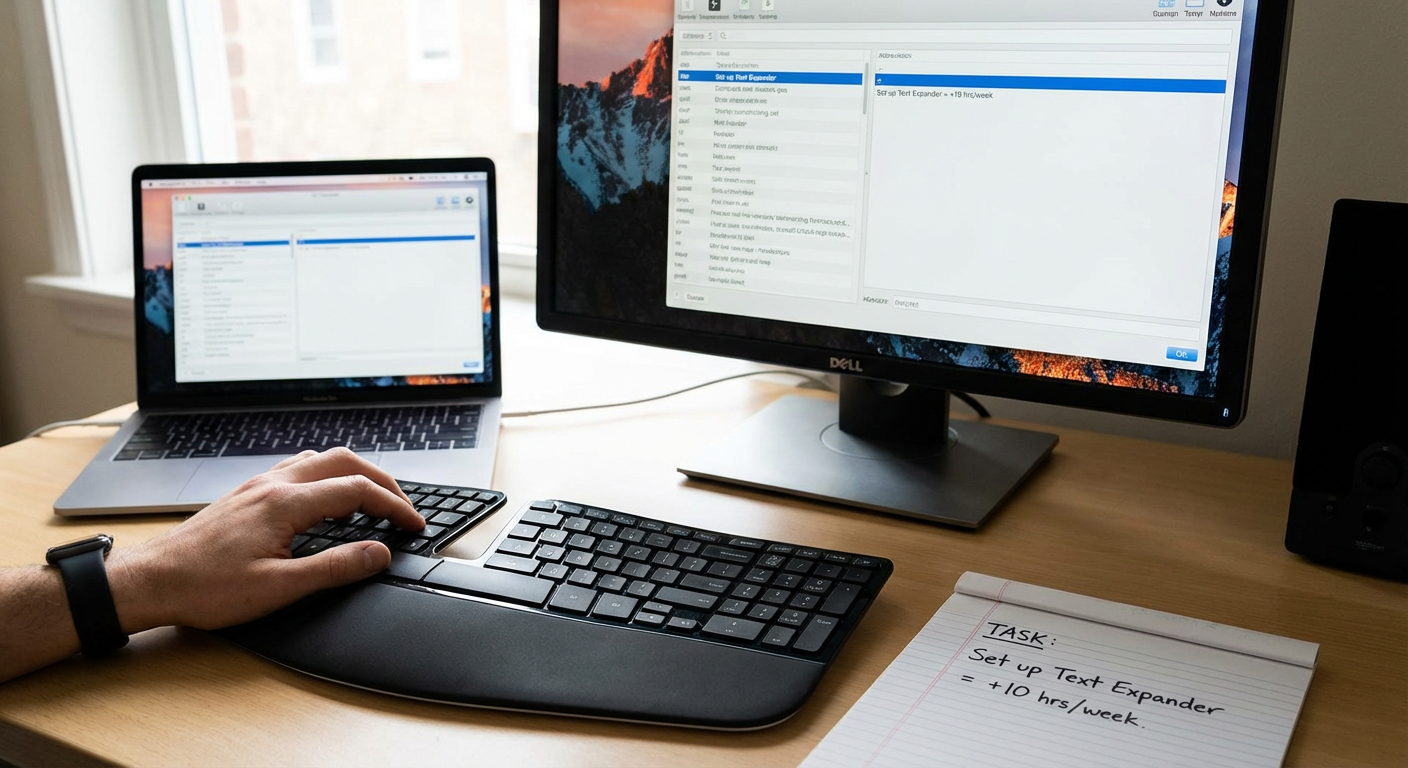
If you type the same phrases, email templates, or code snippets more than twice a week, you need text expansion. Tools like TextExpander, aText, or even built-in keyboard shortcuts on your phone let you type a few characters and automatically expand them into full paragraphs. This saves you from retyping your address, common email responses, meeting links, or support answers. Over a week, this can save you an hour or more of mindless typing. Most people never bother setting this up, but it takes ten minutes and pays dividends forever.
- Automate Your Password Management and Form Fills
Manually typing passwords and filling out forms on websites wastes more time than you realize. A good password manager like Bitwarden or 1Password not only stores your credentials securely but also auto-fills login forms, addresses, and payment info. This shaves seconds off every login, which adds up when you are logging into a dozen services daily. You also stop wasting time on password resets. The time saved is small per instance but massive over a month.
- Schedule Social Media Posts in Bulk
Posting to social media throughout the week interrupts your flow and drags you into distractions. Instead, block out one hour and schedule a week or month of posts in one sitting using tools like Buffer, Later, or Hootsuite. You get all the benefits of consistent posting without the constant context switching. This approach also lets you batch your creative thinking instead of scrambling for content ideas every day. Most small business owners still post manually and lose hours every week doing it.
- Use Smart Replies and Email Filters
Email is a major time sink, but most people do not use the filtering and auto-reply features already built into Gmail or Outlook. Set up filters to automatically label, archive, or delete certain types of messages. Use canned responses or smart replies for common questions. You can also set up auto-forwarding rules so specific emails go directly to the right team member. These small tweaks can cut your daily email time in half without missing anything important.
- Automate Expense Tracking and Receipt Scanning
Manually entering expenses or hunting for receipts at tax time is a nightmare. Apps like Expensify, Shoeboxed, or even your bank’s built-in tools can automatically scan receipts, categorize expenses, and generate reports. Some tools even pull transaction data directly from your credit card. This eliminates hours of data entry every month and makes tax season painless. Most people still use spreadsheets or shoeboxes, but automation here is a huge relief.
- Set Up Automatic Bill Payments and Savings Transfers
Paying bills manually and transferring money to savings accounts takes time and mental energy every month. Automate these payments through your bank or the biller’s website so everything happens on schedule without you lifting a finger. You can also set up automatic transfers to savings or investment accounts right after payday. This removes the decision fatigue and the risk of late fees. It is one of the easiest automations to set up and one of the most satisfying.
- Use a Meal Planning App with Auto-Generated Grocery Lists
Deciding what to eat and making grocery lists wastes hours every week. Meal planning apps like Mealime, Paprika, or Plan to Eat let you pick recipes and automatically generate a shopping list organized by store section. Some even integrate with grocery delivery services. You spend 15 minutes planning meals for the week, and the app handles the rest. This cuts down on decision fatigue, reduces food waste, and saves you from multiple trips to the store.
- Automate Your Meeting Scheduling with Booking Links
The back-and-forth of scheduling meetings is a huge time drain. Tools like Calendly, SavvyCal, or even Google Calendar’s appointment slots let people book time with you based on your availability. You send a link, they pick a time, and it goes straight on your calendar. No more email tennis. This saves you hours every week if you schedule meetings regularly. The best part is that it makes you look professional and organized without any extra effort.
- Set Up Automatic Backup for Your Files and Photos
Manually backing up your computer or phone is something people put off until it is too late. Cloud services like Backblaze, iCloud, Google Drive, or Dropbox can automatically back up your files and photos in the background. You set it once and forget it. This protects your data and removes the mental burden of remembering to back things up. It also saves you from the hours of panic and recovery time if something goes wrong.
- Use Voice-to-Text for Notes and Messages
Typing on your phone or computer is slower than talking. Voice-to-text tools built into your phone, Google Docs, or apps like Otter.ai let you dictate notes, messages, and even drafts of articles. The accuracy has improved so much that you can speak naturally and get clean text. This is especially useful for capturing ideas on the go or responding to messages while multitasking. Over a week, this can save you an hour or more of thumb typing.
- Automate Your Report Generation
If you pull the same data and create the same reports every week or month, you are wasting time. Tools like Google Data Studio, Databox, or even advanced Excel macros can pull data automatically and generate reports with a few clicks. Some tools can even email the report to stakeholders on a schedule. This turns a multi-hour task into something that happens in the background. Most people do not realize how easy it is to set this up until they try.
- Use Auto-Responders for Common Customer Questions
If you get the same questions over and over, set up auto-responders or a simple chatbot on your website. Tools like ManyChat, Tidio, or even Facebook Messenger’s automated replies can answer FAQs instantly. This saves you from typing the same response dozens of times a week. It also gives customers instant answers, which improves their experience. You can always follow up personally for more complex questions, but the routine stuff gets handled automatically.
- Batch and Automate Your Social Media Engagement
Engaging with followers and liking posts throughout the day is a time sink and a distraction. Instead, set aside a specific block of time each day or week to engage in bulk. Some tools like Agorapulse or Sprout Social even let you queue up likes and comments. This keeps you present on social media without letting it take over your day. You stay visible and responsive without constant interruptions.
- Set Up Automatic Tagging and Organization in Your Email
Manually sorting emails into folders or tagging them is tedious. Most email platforms let you set up rules that automatically tag or move messages based on sender, subject, or keywords. This keeps your inbox organized without you thinking about it. You can set up tags for clients, projects, newsletters, or receipts. When you need to find something, it is already sorted. This saves you from digging through your inbox every time you need a specific email.
- Use a Read-It-Later App to Batch Your Reading
Clicking on articles and reading them throughout the day fragments your focus. Apps like Pocket, Instapaper, or Raindrop.io let you save articles and read them later in one sitting. This keeps you from falling into rabbit holes during work hours. You can also use text-to-speech features to listen to articles while commuting or exercising. Batching your reading saves time and helps you stay focused during productive hours.
- Automate Your Appointment Reminders
Sending reminders for appointments, deadlines, or follow-ups manually is a chore. Tools like Calendly, Acuity Scheduling, or even Google Calendar can send automatic reminders via email or text. This reduces no-shows and keeps everyone on the same page without you having to chase people down. If you run a service business, this alone can save you several hours a week. The reminders go out on time, every time, without you lifting a finger.
- Use Keyboard Shortcuts and Macros for Repetitive Tasks
Learning keyboard shortcuts for the software you use daily can save you hours over time. Most people rely on the mouse for everything, which is slower. Programs like Photoshop, Excel, and even your web browser have dozens of shortcuts that speed up common actions. For really repetitive tasks, you can record macros that perform a series of actions with one keystroke. This feels like a small thing, but the time savings add up fast when you do the same actions hundreds of times a week.
- Automate Your CRM Data Entry
Manually entering contact info, meeting notes, and follow-up tasks into your CRM is tedious. Many CRMs like HubSpot, Pipedrive, or Zoho have automation features that pull in contact details from emails, log calls automatically, and create tasks based on triggers. You can also use integrations to sync data from other tools. This keeps your CRM up to date without the manual grunt work. If you spend more than an hour a week updating your CRM, you need to set up these automations.
- Schedule Regular Digital Decluttering Sessions
Letting your files, downloads, and desktop pile up creates digital clutter that slows you down. Set a recurring calendar event to spend 15 minutes each week deleting old files, clearing your downloads folder, and organizing your desktop. You can also use tools like CleanMyMac or CCleaner to automate some of this cleanup. Keeping your digital workspace tidy makes it easier to find what you need and reduces the cognitive load of visual clutter. This small habit saves you from hours of searching and frustration later.
Automation is not just about fancy software or complex workflows. The biggest time savings often come from the small, repetitive tasks you do not even notice anymore. By tackling these underrated automations, you can reclaim hours every week without a steep learning curve or big budget. Start with two or three items from this list, set them up, and watch how much lighter your week feels. The time you save is time you can spend on the work that actually matters.
