
20 Simple Tasks You Should Automate Right Now to Free Up 10+ Hours Weekly: A Beginner’s Guide
If you’re new to automation, the idea of setting up systems to handle your daily tasks might sound complicated. The good news is that automation today is easier than ever, with tools designed specifically for people who aren’t tech experts. This guide walks you through 20 straightforward tasks you can automate starting today, even if you’ve never automated anything before. Each option requires minimal setup and delivers real time savings, helping you reclaim over 10 hours every week without a steep learning curve.
- Hire Someone on Legiit to Automate Your Repetitive Work

Sometimes the easiest way to automate is to let someone else set it up for you. Legiit connects you with freelancers who specialize in automation, from setting up email sequences to creating social media schedules. You describe what you need in plain language, and they handle the technical side. This approach works particularly well for beginners because you get expert help without needing to learn complex software yourself. Many services are affordable and come with tutorials so you can maintain the system once it’s built.
- Set Up Auto-Replies for Common Email Questions
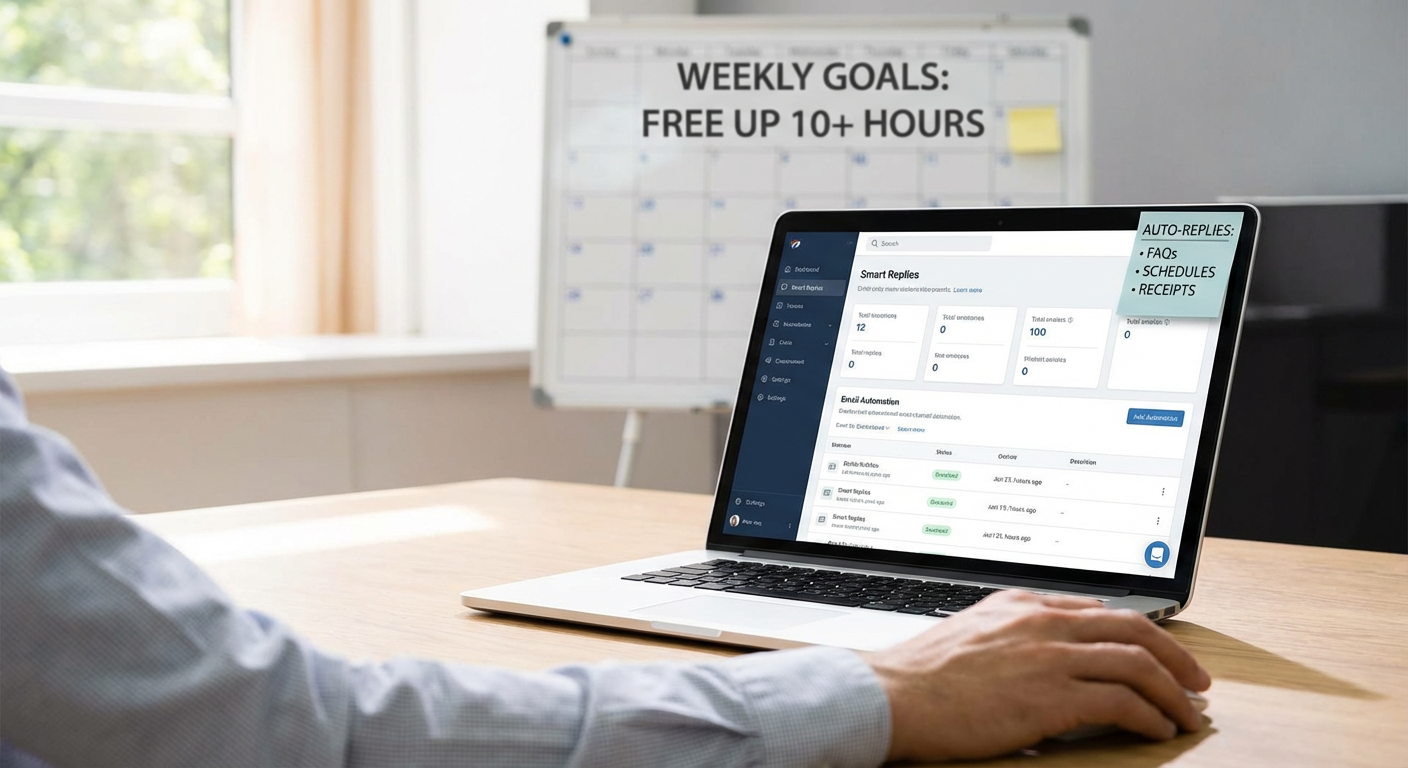
If you find yourself typing the same email responses over and over, you can create templates that insert with a few clicks. Most email programs like Gmail and Outlook have built-in features called canned responses or quick parts. You write the response once, save it, and then insert it whenever that question comes up. This takes about five minutes to set up and can save you hours each week if you handle customer service, client communication, or team questions.
- Automate Your Bill Payments
Late fees and the mental load of remembering due dates add unnecessary stress to your life. Most banks and service providers let you set up automatic payments with just a few clicks in their app or website. You choose the amount and the date, and the payment goes through without you lifting a finger. This simple automation saves time, protects your credit score, and eliminates the anxiety of tracking multiple due dates each month.
- Use a Password Manager to Auto-Fill Login Details
Typing passwords and usernames wastes more time than you realize, especially when you can’t remember which variation you used for each site. Password managers like Bitwarden or LastPass store all your credentials and fill them in automatically when you visit a site. Setup takes about 15 minutes, and the free versions work perfectly well for most people. You’ll save several minutes every day and improve your security at the same time.
- Schedule Social Media Posts in Batches
Posting to social media multiple times a day interrupts your focus and eats up time. Tools like Buffer and Later let you write all your posts for the week in one sitting, then publish them automatically at the times you choose. The interfaces are simple and visual, showing you exactly what your posts will look like before they go live. Most offer free plans that cover the basics, making this an easy win for beginners looking to maintain an online presence without constant effort.
- Turn On Auto-Save for Documents and Files
Losing work because you forgot to save is frustrating and wastes the time you spent creating it. Cloud storage services like Google Drive and Dropbox save your work automatically as you type. You don’t need to remember to hit save, and your files are backed up in case your computer crashes. Enabling this feature takes seconds and runs invisibly in the background, protecting hours of work without any ongoing effort from you.
- Create Calendar Links That Let Others Book Time With You
The back-and-forth of finding a meeting time can take a dozen emails and drain your energy. Scheduling tools like Calendly and Cal.com give you a personal link that shows your availability. People pick a time that works for them, and it appears on your calendar automatically. The basic versions are free and take about 10 minutes to set up, eliminating the scheduling dance that wastes time for both parties.
- Automate Your Grocery List
Apps like AnyList and Todoist let you create recurring shopping lists that repopulate automatically each week. You can also share these lists with family members so everyone can add items as you run out. Some apps even organize items by store section, making your shopping trip faster. This small automation saves the mental effort of remembering what you need and reduces the chance of extra trips to the store.
- Set Up Automatic Savings Transfers
Building savings requires discipline that’s hard to maintain when you have to move money manually each month. Most banking apps let you schedule automatic transfers from checking to savings on payday. You set the amount once, and it happens without you thinking about it. This automation removes the decision fatigue and helps you build financial security while saving the time you’d spend logging in and making transfers.
- Use Text Expansion for Phrases You Type Frequently
Your computer or phone can expand short codes into full phrases automatically. For example, typing “myemail” could instantly become your full email address. Built-in tools like Text Replacement on iPhone or AutoHotkey on Windows make this simple to set up. Create shortcuts for your address, phone number, common greetings, or any text you type regularly. This saves dozens of keystrokes daily and speeds up everything from form filling to email writing.
- Automate Appointment Reminders
Missed appointments waste time for everyone involved and often cost money in fees. When you book appointments, make sure text or email reminders are enabled. Most systems have this as a default option you just need to confirm. For appointments you book yourself, tools like Google Calendar can send you notifications at whatever interval you choose. This simple automation keeps your schedule on track without relying on memory alone.
- Set Up Auto-Forwarding for Important Emails
If certain emails need to reach multiple people or get filed in specific places, auto-forwarding rules handle this instantly. You create a rule based on sender, subject line, or keywords, and matching emails get forwarded or sorted automatically. This works in Gmail, Outlook, and most other email services through their settings menu. The setup takes just a few minutes and ensures important information reaches the right people without you playing traffic controller.
- Automate Your Device Backups
Backing up your phone and computer manually is something most people skip until disaster strikes. Turn on automatic backups through iCloud, Google Photos, or your computer’s built-in backup system. These run while you sleep or when your device is idle, creating safety nets without any ongoing effort. Setup is usually just toggling a switch in your settings, and it protects countless hours of photos, documents, and data.
- Use Pre-Written Responses for Customer Questions
If you run a small business or side hustle, you probably answer the same questions constantly. Create a simple document with answers to your top 10 questions. When someone asks, copy and paste the relevant response, personalizing it slightly if needed. This isn’t fancy automation, but it cuts response time dramatically and ensures consistent, thorough answers. You can upgrade to chatbots later, but this beginner approach delivers immediate results.
- Schedule Reports to Generate and Send Automatically
If you create the same report weekly or monthly, most software can generate and email it automatically. Tools like Google Sheets, Excel, and business apps have scheduling features built in. You set it up once by choosing the frequency and recipients, and the report arrives in inboxes without you touching it. This works for sales numbers, website stats, or any data you track regularly, freeing up time you’d spend compiling and sending updates.
- Automate Your To-Do List Cleanup
Old completed tasks clutter your to-do list and make it harder to focus on what matters. Many task apps can automatically archive completed items after a set period. Todoist, TickTick, and Microsoft To Do all offer this feature in their settings. You can also set recurring tasks to regenerate automatically, so “take out trash” or “review finances” reappears without manual entry. These small automations keep your task system clean and functional with zero maintenance.
- Set Up Browser Bookmarks That Open Multiple Tabs at Once
If you start each work session by opening the same five or ten websites, you can automate this with bookmark folders. Create a folder with all your regular sites, then right-click and choose “open all.” In Chrome and Firefox, you can even set these as your startup pages. This 30-second setup saves several minutes daily and helps you get into work mode faster without the friction of hunting for tabs.
- Automate Expense Tracking
Manually entering expenses into spreadsheets is tedious and easy to forget. Apps like Mint and YNAB connect to your bank accounts and categorize transactions automatically. You review and adjust categories occasionally, but the heavy lifting happens without you. For business expenses, apps like Expensify can scan receipts with your phone camera and create expense reports automatically. Both approaches save hours each month during tax time or budget reviews.
- Use Email Filters to Sort Incoming Messages
A cluttered inbox makes it hard to spot important messages and wastes time scrolling. Email filters automatically sort incoming mail into folders based on rules you set. Newsletters go to one folder, receipts to another, and client emails to a third. Gmail calls these filters, while Outlook calls them rules, but they work the same way. Spend 20 minutes setting up filters for your most common email types, and your inbox becomes manageable without daily sorting.
- Automate Your Morning Routine With Smart Home Basics
You don’t need an expensive smart home system to automate simple morning tasks. A basic smart plug and a phone app can turn on your coffee maker at a set time each day. Smart bulbs can gradually brighten to wake you gently. These devices cost less than $20 each and connect through simple apps with step-by-step instructions. Automating even small parts of your morning saves decision-making energy and creates a smoother start to your day.
Automation doesn’t require technical expertise or expensive tools. The 20 tasks in this guide all use beginner-friendly methods that take minutes to set up and deliver immediate time savings. Start with two or three that address your biggest time drains, get comfortable with how they work, and then add more as you go. Before long, you’ll have reclaimed 10 or more hours each week without touching code or wrestling with complicated software. The key is starting simple and building from there.
