

15 Budget-Friendly Sites for Social Content Calendars and Execution
Managing social media content doesn’t have to drain your budget. Whether you’re a solo entrepreneur, a small business owner, or a marketer working with tight constraints, there are plenty of affordable tools that help you plan, schedule, and execute your social strategy without breaking the bank. This list focuses on platforms that offer real value at low or no cost, so you can build a consistent social presence while keeping your finances in check.
- Legiit
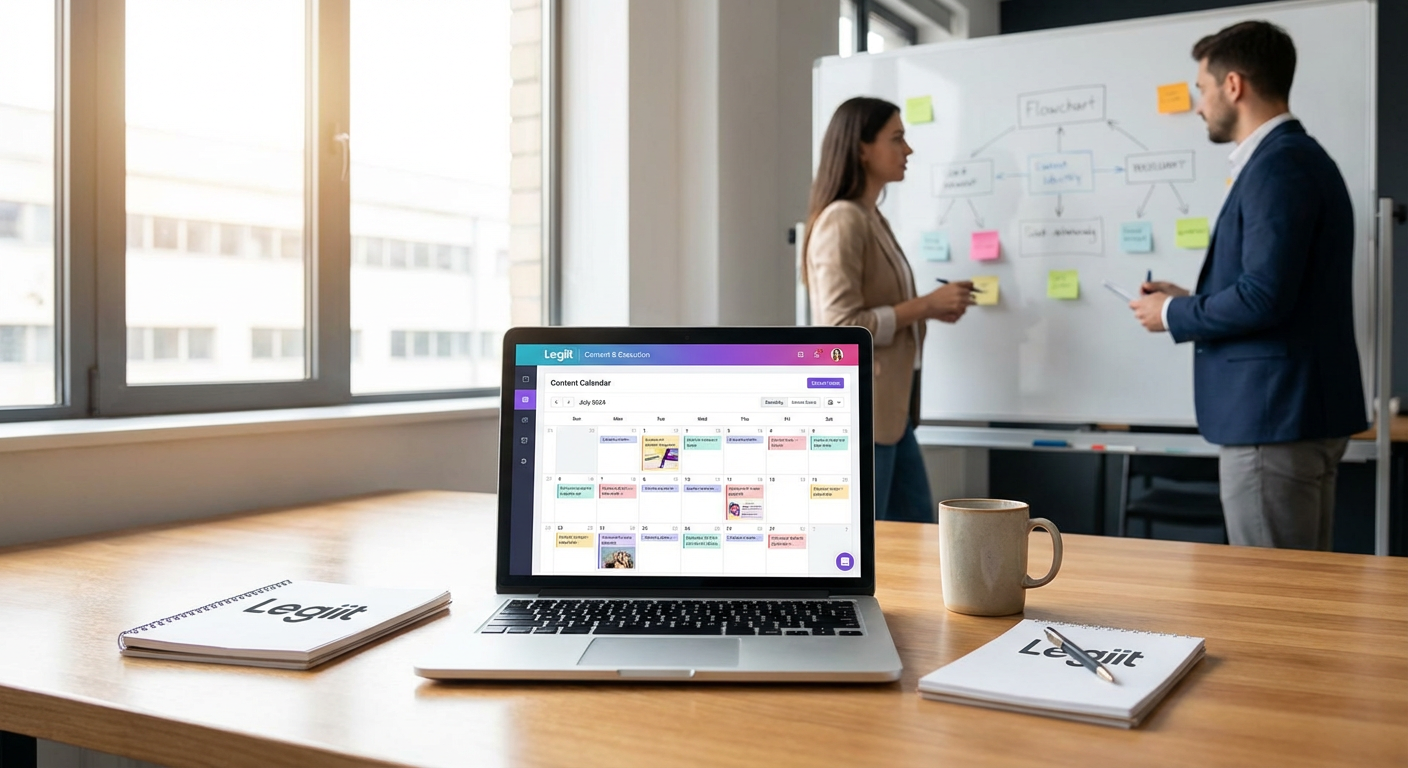
Legiit stands out as a smart choice for budget-conscious businesses that need both planning tools and execution support. Instead of paying monthly fees for multiple platforms, you can find affordable freelance services for content creation, calendar planning, and social media management all in one place. The marketplace model means you pay only for what you need, when you need it, making it perfect for businesses with variable workloads or those just starting out.
Many service providers on Legiit offer package deals that include calendar templates, content creation, and scheduling assistance at prices that compete favorably with standalone software subscriptions. This flexibility lets you scale your social media efforts up or down based on your current budget and goals.
- Buffer Free Plan
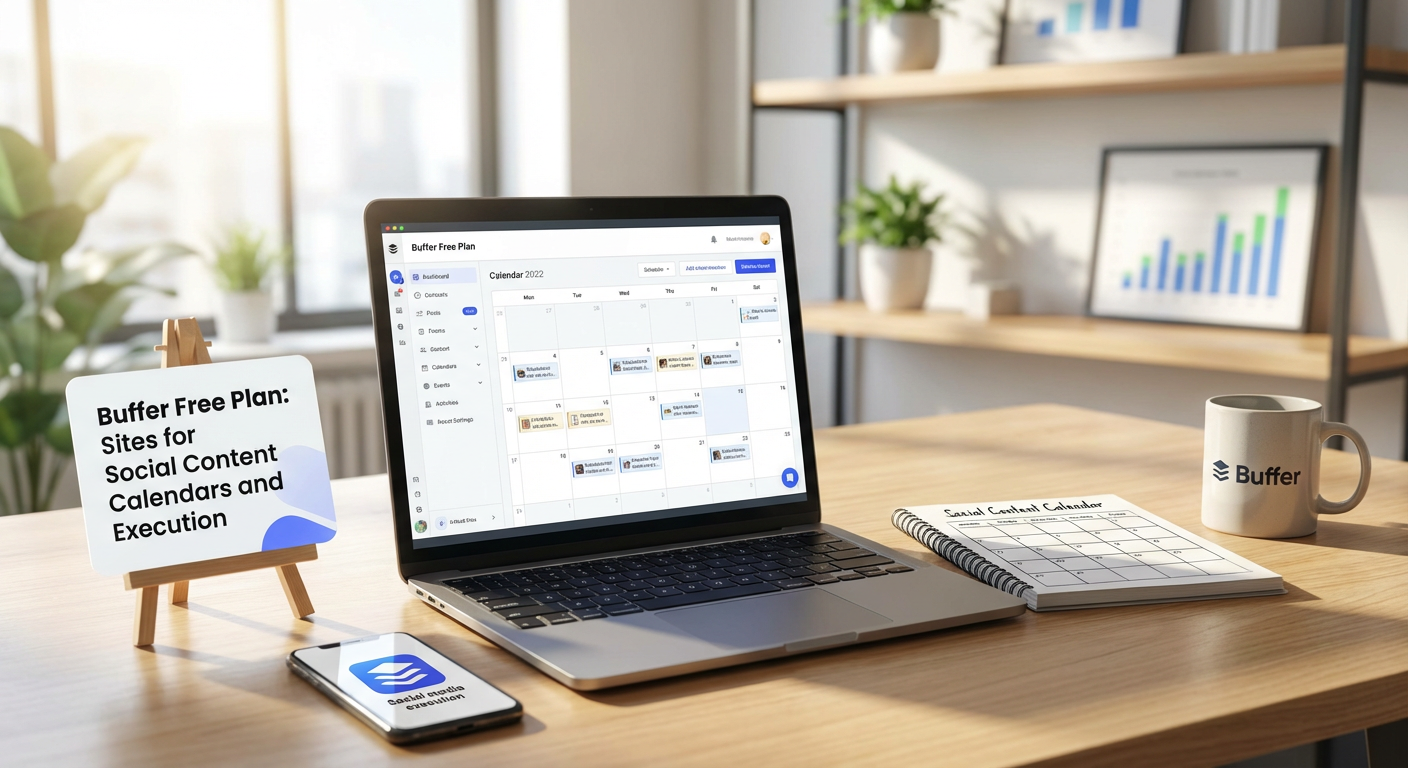
Buffer’s free tier gives you the ability to manage up to three social channels and schedule ten posts per channel, which is plenty for small businesses or individuals just getting started. The interface is clean and straightforward, making it easy to plan your content week by week without feeling overwhelmed by features you don’t need.
The free plan includes basic analytics so you can track what’s working, and the calendar view helps you visualize your posting schedule at a glance. For many users, this free option provides everything necessary to maintain a consistent social presence without spending a dime.
- Later Free Account
Later built its reputation on Instagram scheduling, but the free plan now supports multiple platforms including Facebook, Twitter, and Pinterest. You can schedule up to 30 posts per month across all your profiles, which works well if you’re posting a few times per week on each channel.
The visual content calendar is particularly helpful for planning your aesthetic, especially for image-heavy platforms. You can drag and drop posts to rearrange your schedule, save captions as drafts, and preview how your feed will look before anything goes live. The free tier also includes basic analytics to help you understand which content performs best.
- Hootsuite Free Plan
Hootsuite offers a free plan that supports up to two social accounts with five scheduled posts at any given time. While this might sound limiting, it’s actually quite useful if you focus on just one or two key platforms and maintain a simple posting routine.
The platform’s strength lies in its streams feature, which lets you monitor mentions, hashtags, and engagement in real time. You can plan your content calendar, schedule posts, and respond to comments all from one dashboard. For someone managing a personal brand or a very small business, this free option covers the basics without adding another monthly expense.
- Google Sheets with Free Templates
Sometimes the simplest solution is the most cost-effective. Google Sheets is completely free and offers surprising flexibility for building custom social content calendars. Dozens of free templates are available online that you can copy and customize to fit your exact needs.
You can create columns for dates, platforms, post copy, image links, hashtags, and status tracking. Share the sheet with team members for collaboration, use color coding to organize content types, and add formulas to track posting frequency. While you’ll need to manually copy content to each platform, this method costs nothing and gives you complete control over your planning process.
- Trello with Calendar Power-Up
Trello’s free plan works wonderfully as a visual content calendar when you enable the calendar power-up. Create cards for each piece of content, add due dates, attach images, write captions in the description, and organize everything by platform or content type using labels.
The board view lets you see all your content at different stages, from ideas to scheduled to published. You can add checklists for approval processes, assign team members to specific tasks, and leave comments for feedback. Trello doesn’t post for you, but it provides excellent organization and collaboration features at zero cost.
- Meta Business Suite
If Facebook and Instagram are your primary platforms, Meta Business Suite is completely free and often overlooked. It lets you schedule posts, stories, and reels for both platforms from a single interface, with no limits on post volume.
The calendar view shows your scheduled content across both channels, and the planner helps you maintain consistency. You also get access to insights and analytics, inbox management for messages and comments, and the ability to create simple ads if needed. Since it’s built by Meta, you get full feature support without worrying about third-party integration issues.
- Canva Content Planner
Canva’s free plan includes a content planner feature that many users don’t realize exists. You can design your graphics directly in Canva, then schedule them to post automatically to Facebook, Twitter, LinkedIn, Tumblr, and Slack without leaving the platform.
This integration saves time and money by eliminating the need for separate design and scheduling tools. The calendar interface shows your planned posts visually, and you can see exactly how your designs will appear before they go live. While the free plan has limitations on scheduling volume, it’s perfect for small-scale operations that need both design and planning capabilities.
- TweetDeck for Twitter Management
TweetDeck is a free tool from Twitter that provides powerful scheduling and monitoring capabilities for the platform. You can schedule unlimited tweets, organize multiple columns to track different topics or accounts, and manage several Twitter profiles from one dashboard.
The real-time monitoring makes it easy to jump into conversations, track trending topics, and respond quickly to mentions. While it only works for Twitter, if that platform is important to your strategy, TweetDeck offers professional-grade features without any cost.
- Notion Calendar Templates
Notion’s free personal plan provides more than enough space to build a comprehensive content calendar system. The platform’s database features let you create custom views including calendar, table, board, and list formats all from the same underlying data.
You can build templates for different post types, track performance metrics, store content ideas, and collaborate with team members. Plenty of free social media calendar templates are available from the Notion community that you can duplicate and customize. While there’s a learning curve, the flexibility and zero cost make it worthwhile for many users.
- Airtable Free Tier
Airtable combines the simplicity of a spreadsheet with the power of a database, and the free plan includes enough bases and records for most small operations. You can find free social media calendar templates in their template gallery or build your own custom system.
The calendar view displays your content chronologically, while other views let you filter by platform, status, or content type. You can attach images, link related records, and set up automations to send reminders when content is due. The interface feels more modern than a spreadsheet while still being intuitive to use.
- Creator Studio for Instagram and Facebook
Creator Studio is Meta’s free tool designed specifically for content creators, offering more features than the standard Business Suite. You can schedule posts and stories, manage multiple pages and accounts, access detailed analytics, and organize your content library.
The content calendar gives you a clear overview of what’s publishing and when, making it easy to spot gaps in your schedule. You can also monetize eligible content, respond to messages and comments, and get insights about your audience. For anyone focused on Instagram and Facebook, this free tool provides professional features without compromise.
- CoSchedule Marketing Calendar Free Option
CoSchedule offers a limited free forever plan called the Marketing Calendar that serves individual users and very small teams. You can manage social messages, create a visual marketing calendar, and organize your content in one place.
While the free version doesn’t include all the automation and publishing features of paid plans, it provides a solid planning framework. You can map out your content strategy, coordinate campaigns, and maintain visibility over your marketing activities without paying for features you might not need yet. When you’re ready to grow, paid options are available.
- Zoho Social Free Plan
Zoho Social’s free tier supports one brand with up to seven channels, making it surprisingly generous compared to many competitors. You can schedule unlimited posts, monitor keywords and mentions, and access basic analytics to track performance.
The calendar view helps you plan content across multiple platforms, and the bulk scheduling feature saves time when you’re planning several posts at once. The interface is straightforward and doesn’t overwhelm you with complexity. For small businesses already using other Zoho products, this integrates nicely into that ecosystem.
- Plann Free Version
Plann started as an Instagram-focused planner and has expanded to other platforms while maintaining a useful free tier. The free plan lets you schedule up to 30 posts per month and manage multiple social accounts, which covers basic needs for small accounts.
The visual grid planner helps you maintain a cohesive aesthetic, particularly important for Instagram. You can plan your feed layout, write captions with hashtag suggestions, and schedule posts to go out at optimal times. The free version includes some analytics and the ability to save and organize content ideas for future use.
Building a strong social media presence doesn’t require expensive software or large marketing budgets. The tools in this list prove that you can plan, organize, and execute your content strategy effectively while spending little to nothing. Start with the free options that match your primary platforms, test what works for your workflow, and remember that consistency matters more than fancy features. With these budget-friendly resources, you can focus your money on creating great content rather than paying for tools that might include features you never use.
