
10 Hidden Gem Tools for Freelance Calendar and Time Management That Most People Miss
If you’re a freelancer, you’ve probably heard about the big names in calendar and time management apps. But some of the most powerful tools for organizing your schedule and protecting your time fly under the radar. These lesser-known options offer smart features, unique approaches, and practical solutions that can transform how you work without the bloat or expense of mainstream alternatives. This list is for freelancers who want to work smarter and find tools that actually fit their workflow instead of forcing themselves into cookie-cutter systems.
- Legiit for Client Scheduling and Service Management
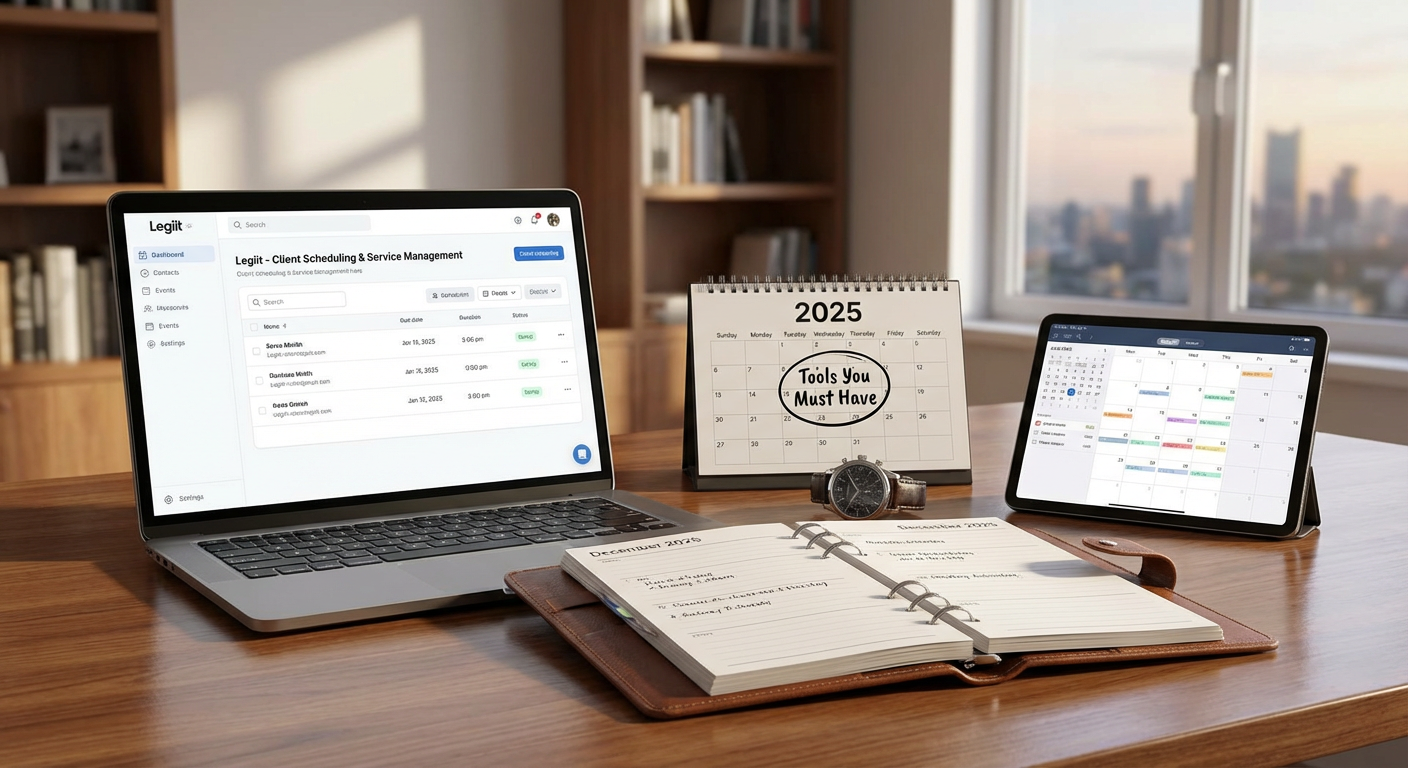
Most freelancers don’t realize that Legiit offers more than just a marketplace for services. It includes built-in tools for managing client appointments, organizing service delivery timelines, and tracking project milestones all in one place. Instead of juggling separate calendar apps and project management systems, you can handle client communications and scheduling directly through the platform. This makes it particularly valuable for freelancers who sell ongoing services or need to coordinate multiple client touchpoints without adding another subscription to their stack. The integration between your service listings and your actual workflow creates a smoother experience for both you and your clients.
- Morgen for Cross-Platform Calendar Consolidation
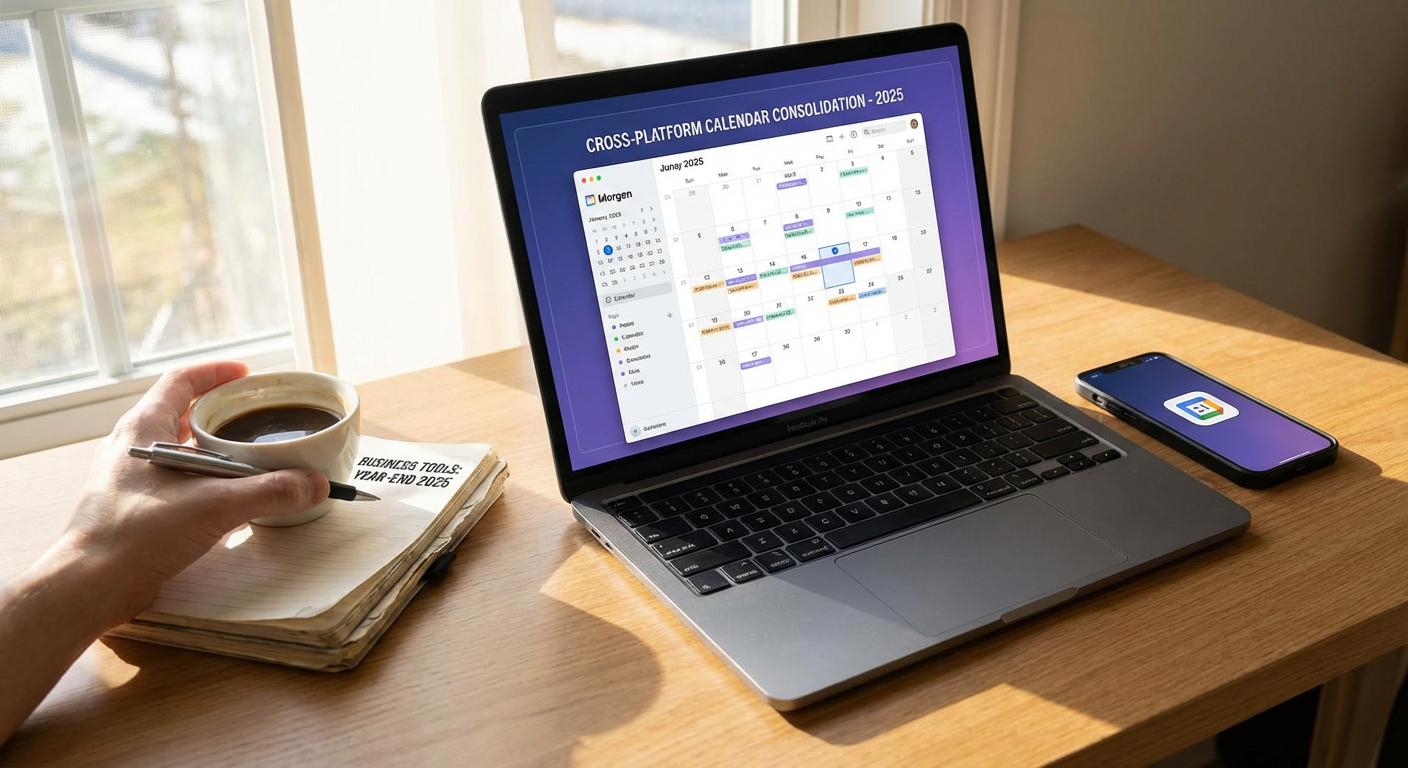
Morgen quietly solves one of the biggest headaches for freelancers who work with multiple clients: calendar chaos. This tool pulls together calendars from Google, Outlook, Apple, and even task managers like Todoist into one unified view. What makes it special is the intelligent scheduling assistant that helps you find meeting times across all your calendars without the back-and-forth email chains. It also includes time zone support that actually works well, which is critical if you work with international clients. The interface is clean and fast, and it doesn’t try to reinvent how calendars work, it just makes them work better together.
- Clockify for Honest Time Tracking Without the Pressure
While most time tracking tools feel like surveillance software, Clockify takes a gentler approach that works well for freelancers who bill by the hour or just want to understand where their time goes. The free version is genuinely useful, not a teaser, and includes unlimited projects and users. You can track time manually or use a simple timer, and the reports help you see patterns in how long different types of work actually take. This insight becomes valuable when you’re estimating project timelines or deciding whether to raise your rates. The browser extension makes it easy to track time without switching apps constantly.
- Amie for Calendar as a Daily Command Center
Amie reimagines what a calendar can be by combining scheduling with todos, notes, and even email management in one beautiful interface. Instead of treating your calendar as just a list of meetings, it becomes your central workspace for the entire day. You can drag tasks directly onto your calendar to time-block your work, jot down quick notes during calls, and see everything that matters in one glance. The design is surprisingly polished for a newer tool, and it feels fast and responsive even when you’re managing a packed schedule. For freelancers who like to plan their days visually, this approach feels more natural than traditional calendar apps.
- Sunsama for Intentional Daily Planning
Sunsama stands out because it forces you to be deliberate about how you spend your time, which is exactly what most freelancers need. Each day starts with a planning ritual where you pull in tasks from other tools like Trello, Asana, or your email, then assign them realistic time blocks on your calendar. The app gently nudges you to set reasonable goals and reflects on what you actually accomplished. This structure helps prevent the common freelancer trap of overcommitting and then feeling overwhelmed. The guided approach might feel restrictive at first, but many users find it creates healthier work habits over time.
- Reclaim.ai for Automatic Schedule Defense
Reclaim.ai uses smart automation to protect your time in ways that feel almost magical. It automatically blocks time for your habits, tasks, and breaks, then flexibly reschedules them when meetings pop up. If a client books a last-minute call, Reclaim shifts your focus time to another open slot instead of just deleting it. This prevents your calendar from becoming nothing but back-to-back meetings with no time for actual work. The tool also includes buffer time between appointments and can automatically decline meetings that would create conflicts. For freelancers who struggle with boundaries, having an automated system that protects your working time can be genuinely life-changing.
- Sorted3 for Mobile-First Time Blocking
Most calendar apps feel clunky on mobile, but Sorted3 was designed for your phone from the ground up. It combines your calendar, tasks, and notes with a gesture-based interface that makes rearranging your day incredibly fast. You can quickly time-block tasks by dragging them onto your schedule, and the auto-schedule feature can fill your day intelligently based on your preferences and available time. The hyper-scheduling mode is particularly useful when you have a packed day and need to account for every 15-minute block. For freelancers who do a lot of work from their phone or prefer mobile planning, this tool offers a much smoother experience than desktop-first alternatives.
- Fantastical for Natural Language Scheduling
Fantastical has been around for a while but remains underrated outside of Mac power user circles. Its standout feature is natural language input that actually understands what you mean. Type something like ‘coffee with Sarah tomorrow at 3pm at the downtown cafe’ and it creates the event with the right time, date, and location automatically. This sounds simple, but it saves enormous amounts of time when you’re adding multiple appointments. The calendar sets feature lets you create different views for different contexts, like separating client work from personal appointments. For freelancers who live on Apple devices, it’s worth the investment for the time savings alone.
- Motion for AI-Powered Task Scheduling
Motion takes a different approach by automatically building your daily schedule based on your tasks, deadlines, and available time. Instead of manually time-blocking everything, you tell Motion what needs to get done and when it’s due, and the AI figures out when you should work on each thing. When new tasks come in or meetings get scheduled, it automatically reorganizes your day. This works particularly well for freelancers with variable workloads who find manual planning exhausting. The tool learns your working patterns over time and gets better at scheduling realistic amounts of work. The price is higher than most calendar apps, but the time saved on planning can justify the cost.
- Vimcal for Speed-Focused Calendar Management
Vimcal is built for people who live in their calendar and want everything to happen faster. It includes keyboard shortcuts for nearly every action, so you can schedule meetings, check availability, and move events around without touching your mouse. The command bar lets you quickly find contacts, create events, or jump to specific dates just by typing. For freelancers who have lots of client meetings and calls, the speed improvements add up to significant time savings over a week. The tool also includes smart features like time zone detection, scheduling links, and calendar analytics. It’s particularly popular among consultants and agency freelancers who manage packed schedules with multiple stakeholders.
The best calendar and time management tools aren’t always the ones with the biggest marketing budgets or the most users. These hidden gems offer thoughtful features and smart approaches that can genuinely improve how you organize your freelance work. Try a few that match your working style and see which ones stick. The right tool should fade into the background and just make your days run more smoothly. Your time is your most valuable asset as a freelancer, and investing in tools that help you protect and organize it pays dividends in reduced stress and better work-life balance.
